OpenAI presented the new workspace ChatGPT Space on September 29, 2026, at the developer conference DevDay in San Francisco. Teams collaboratively edit documents, spreadsheets, and graphics in real-time with the AI, instead of distributing content through individual chat threads. At the same time, the service “Dots” launches – permanently active assistants that work in the background and access more than 4,000 connected applications.
Pages bundle documents, data, and AI in one area
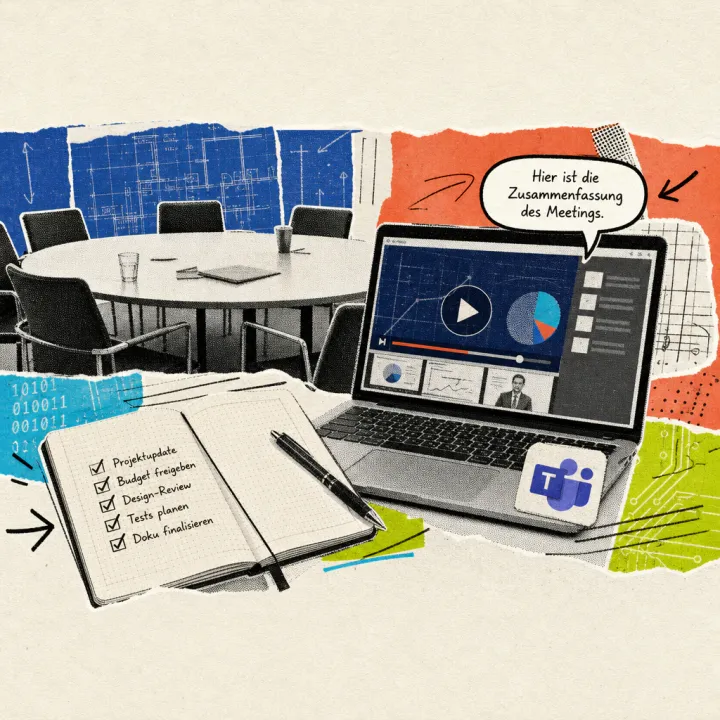
At the center of ChatGPT Space is the new document format Pages. Multiple employees can edit a Page simultaneously; an editable document can be generated from a chat thread with a click, which then combines text, images, diagrams, checklists, dashboards, and tables in one window. Pages also automatically pull content from linked services like Slack and Google Drive and update themselves when changes occur. Another element, Meetings, automatically records meetings and subsequently creates personal summaries along with next steps directly in the workspace.
OpenAI had already expanded ChatGPT Voice with connections to email, calendar, and Slack in September; Space now takes a step further and makes entire documents a shared workspace for teams. For presentations, the company additionally announces collaborative slides: multiple people and AI agents are to work together on presentations generated from text inputs and be able to comment on them. This slide tool and a similar spreadsheet format are initially available only as a preview; the full rollout is announced for the coming weeks, with OpenAI not providing a specific date.
Dots perform tasks permanently in the background
The second innovation is called Dots: permanently active assistants based on the GPT-6 Astra model with their own cloud instance. According to OpenAI, a Dot continues to work even when users have long closed ChatGPT, learning from their feedback. In Space, a Dot can be integrated for specific tasks via @-mention, such as monitoring Slack channels, analyzing key figures, or running software tests; through plugins, it accesses more than 4,000 connected applications. The technology builds on the agent ChatGPT Work launched in July, but the permanent background activity goes beyond its individual, time-limited tasks.
Access rights are to be controlled individually: background research runs by default in read-only mode, while users set their own rules for further actions that automatically allow, require approval, or block steps. An activity view shows progress, and a control system pauses or stops a Dot when security risks are detected. Passwords for connected sites remain hidden from the model. OpenAI expects several million active Dots within days – a number that is not independently verified.
Access remains reserved for more expensive plans
Space and Pages are currently only available to paying business and professional accounts: the Pro, Business, and Enterprise plans, each on the web and in the desktop app at no additional cost. On smartphones, Pages can currently only be viewed and shared; editing is only possible on a computer. The first Dot is automatically included for customers of the Pro and Business Premium plans; Enterprise, education, and health accounts receive the feature in beta access as soon as the administration enables it.
Pricing for Pro ranges between 100 and 200 US dollars monthly, while a Business seat costs around 20 US dollars with annual payment; Enterprise licenses are negotiated individually by OpenAI. This corresponds to about 90 to 185 euros for Pro and around 18 euros for a Business seat per month. The free plan and Plus are excluded. Whether and when Space and Dots will also launch in Germany and the EU remains open – OpenAI only mentions “eligible markets” without specifying them; the company has not yet commented on a possible connection to EU data protection regulations.
The real crux lies in the business model: with Pages and Dots, OpenAI offers for the first time a complete counterpart to Microsoft 365 Copilot and Google Workspace directly from a chat interface – a market that has so far been primarily occupied by the two established software companies. Whether companies will give up existing Office licenses for this will only become clear once Space is available in Europe after its US launch.