Microsoft Teams will show the automatically generated video recap of meetings in German starting at the end of September 2026; until now, the so-called Video Recap was only available in English. The short, narrated summary combines spoken contributions and screen content from the meeting into a highlight clip. A paid Microsoft 365 Copilot license remains a prerequisite.
Teams now summarizes meetings as video
The Video Recap feature complements the already familiar text recap in Microsoft Teams with a video version. As Microsoft describes on the Video Recap help page, an AI creates a narrated compilation from real video clips, displayed slides, and the main discussion points after the meeting. Anyone who missed an appointment can grasp the key points in a few minutes instead of scrubbing through the entire recording.
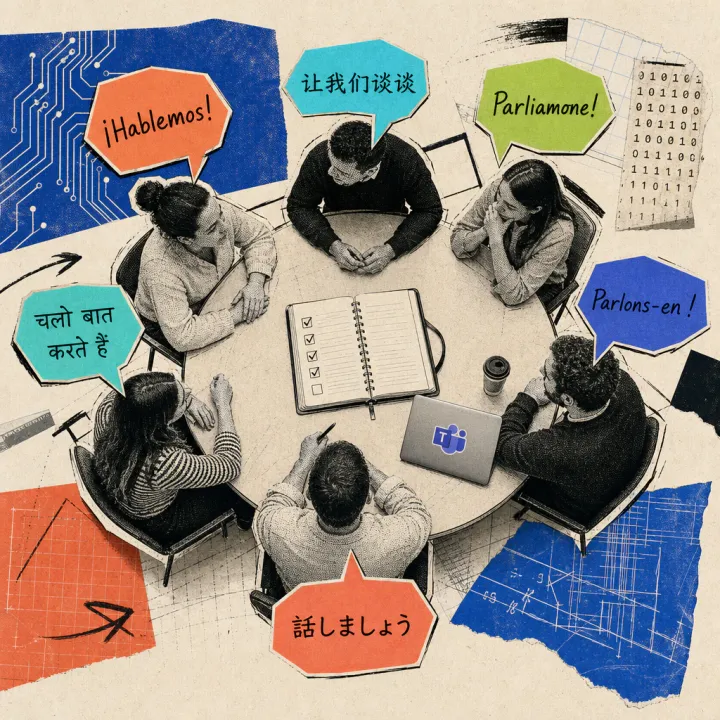
According to an announcement in the Microsoft 365 Message Center, Video Recap now supports 23 languages in 31 language variants as of the end of September 2026, including German, French, Italian, and Spanish. For a purely German-language meeting, the clip will now appear automatically in German. Video Recap differs from the already multilingual text recap through its additional, narrated video format.
An assistant in accounting is not in the room during the one-hour project update because a client appointment is happening at the same time. Instead of scrubbing through the full recording, she opens the roughly two-minute video clip in German afterward, picks out the key decisions and open tasks, and is caught up within minutes, just like her colleagues in the meeting room.
A Copilot license and a recording remain mandatory
Video Recap is not free: it belongs to the paid Microsoft 365 Copilot add-on package. A plain Teams Premium license is not enough for it, according to the support page. On top of that, the meeting must last between ten and 90 minutes and must have been recorded with cloud recording enabled and automatically transcribed.
According to Microsoft, the rollout is happening worldwide and is not limited to individual countries. Anyone who cannot find the feature in their own organization should ask their IT department about the Copilot license and the applicable recording policies. The underlying feature itself is not new: Microsoft introduced the first, English-only version of Video Recap back in spring 2026 in an official announcement post. What’s new now is purely the broad language support, which is what makes the feature useful for German-speaking teams in the first place.
Here is how to find the finished clip day to day:
- Open the meeting chat for the past appointment.
- Select Recap.
- Click Video recap.
- Alternatively, open the past appointment in the calendar and choose View recap.
- Check the language in the video player; it follows the language used in the meeting automatically.
What will matter is whether the German narration reaches the same accuracy as the longer-tested English version – for legal or financial terminology, it’s still worth a look at the full transcript. It also remains to be seen how quickly Microsoft adds the remaining language variants for individual European offices. Anyone discussing customer or contract details in such video summaries should first check their internal guidelines on handling AI evaluations of meetings.