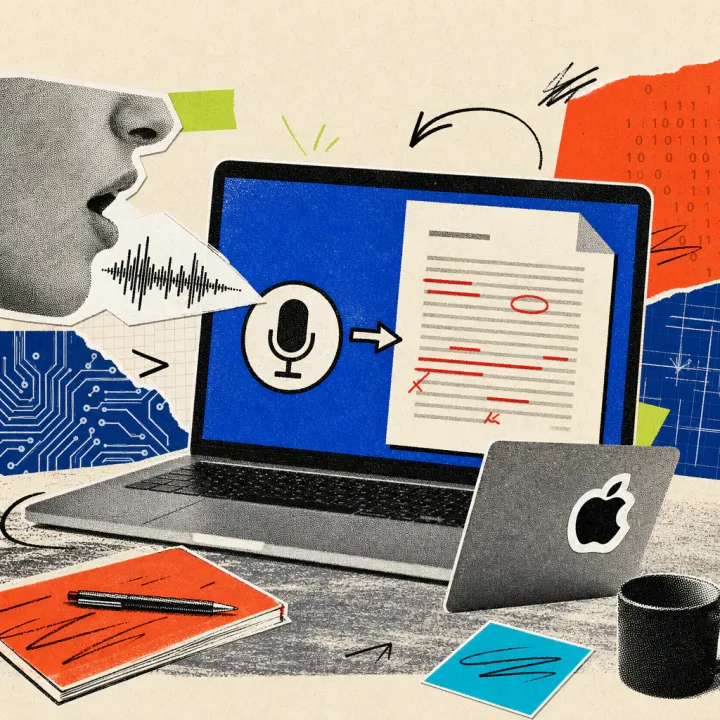
Google is expanding the Gemini writing assistant in Google Docs to eleven more languages, including Polish, Turkish, Swedish, and Czech. The rollout for regular business accounts began on August 1, 2026, and can take up to two weeks before the feature is visible everywhere. It requires a paid Google Workspace or Google AI subscription; free personal accounts are excluded.
Gemini now writes in Polish and Swedish too
As Google announced on its official Workspace blog, the number of supported languages for the Gemini writing assistant in Google Docs grows from eight to 19. Until now, the feature covered English, Spanish, Portuguese, Japanese, French, Korean, German, and Italian. Newly added are Mandarin, Dutch, Malay, Hebrew, Polish, Turkish, Czech, Indonesian, Swedish, Danish, and Norwegian.
Two tools benefit from the expansion. “Help me write” rewrites selected text on request and adjusts tone or length – suggestions stay private until accepted. “Help me create” goes further: from a short description, it produces a fully formatted first draft, pulling in information from Drive, Gmail, Chat, or the web. “Match writing style” keeps the tone consistent across multiple authors in a shared document, while “Match doc format” mirrors a template’s structure and formatting automatically. Just at the end of July, Google had already expanded the writing assistant in Docs with AI-generated diagrams and images.
Less copying between Docs and a translation tool
One thing changes above all for everyday office work: anyone who used to draft a foreign-language business letter first and then paste it into a separate translation tool can now skip part of that detour. A procurement clerk writing an inquiry to a Polish supplier can type a short list of bullet points into the “Help me create” prompt field and get a formatted draft in Polish directly – instead of copying text and salutations back and forth.
Here is how to use the feature in an existing document:
- Open Google Docs and open a new or existing document.
- Open “Help me write” or “Help me create” via the icon on the left edge or the “Insert” menu.
- Enter an instruction or bullet points in the desired language, for example in Swedish or Turkish.
- Review the suggestion and accept it with one click or adjust it further.
- If it isn’t visible yet, turn on “smart Workspace features” in account settings and wait up to two weeks.
A business subscription is required, rollout takes up to two weeks
The expansion is tied to a paid account: access requires Google Workspace Business Standard or Plus, Enterprise Standard or Plus, Education Plus, or a personal Google AI Pro or Ultra plan. Free personal Google accounts are excluded. For faster company domains (Rapid Release), the rollout started on July 15, 2026; for most business accounts (Scheduled Release), it has run since August 1, 2026, and can take up to 15 days. The feature lives in the browser at docs.google.com; Google’s official language overview did not yet list all eleven new languages at launch – evidence of the staggered rollout.
What will matter is whether Google keeps to the promised 15 days or whether the rollout slips, as with earlier Workspace updates. It also remains open how reliable the text quality actually is in the newly added languages, since Google does not publish any figures on this. Anyone entering customer or contract data into the prompts should check beforehand whether their employer’s internal guidelines allow it.