Microsoft is completely rebuilding its AI assistant Copilot, splitting it into three areas: Home, Code, and Autopilot. For the first time, Word, Excel, and PowerPoint run directly inside the Copilot interface, while the new Autopilot agent independently takes over recurring tasks going forward. The overhaul begins in the coming weeks, initially in the Frontier test program for business customers.
Copilot brings chat, office apps, and automation into one place
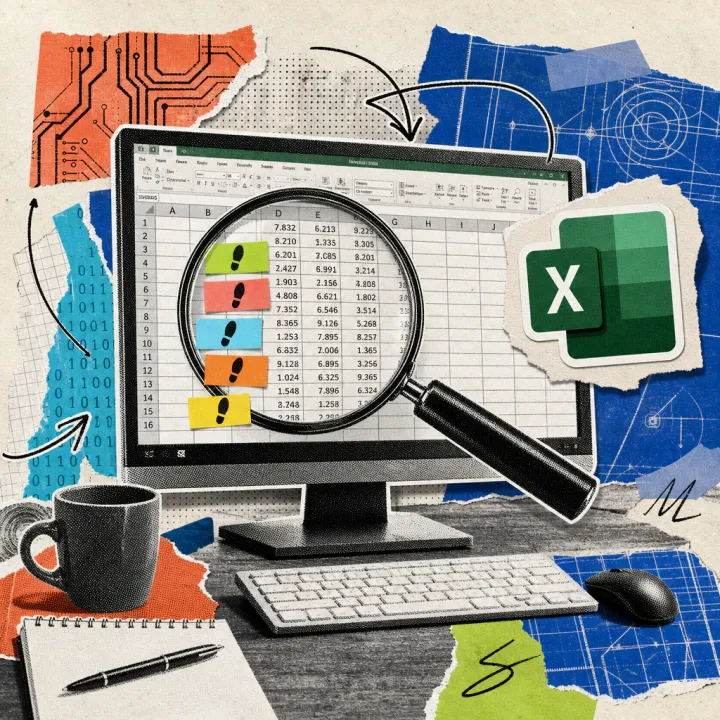
According to Microsoft, Home becomes the new starting point where chat and the existing automation feature Cowork come together. Through “Office in Copilot,” users can draft Word documents, model Excel budgets, and build PowerPoint presentations without opening the individual apps separately. New slides automatically pick up the stored corporate design, and several people can work on the same file at once. Copilot in Excel already shows who last changed which cell – a feature that carries over into the new Home area and is now joined by direct integration with Word and PowerPoint. In August, Microsoft had already merged the personal and business Copilot apps into a single app; the current overhaul builds on that consolidation and now brings the Office apps directly into the new interface. Simple questions still go to the familiar chat, while Copilot automatically routes more complex requests to the right tool, according to Microsoft. In addition, the company’s own knowledge search Fabric IQ is now generally available, linking chat and Cowork to internal company data so answers don’t rely on public knowledge alone.
Autopilot keeps working even without a new instruction
The third area, Autopilot, was still called Scout when it debuted at the Build developer conference in June and now operates under a new name. Users give the agent a name, a role, and a goal; it then watches channels, follows up on open questions, and picks stalled projects back up on its own after several days. As an example, Microsoft cites managing a supplier review: Autopilot schedules meetings, prepares for them, and collects feedback from the people involved without anyone needing to prompt the next step. The Code area, meanwhile, targets employees outside software development who can describe an app, a tracker, or a dashboard in plain language and have Copilot build it; the underlying technology comes from GitHub Copilot. Finished applications run on the new Copilot Managed Runtime inside a company’s own Microsoft 365 environment, so IT keeps control. Unlike the earlier chat, Autopilot stays permanently active in the cloud and doesn’t need to be started – employees simply open the app to check on progress or set new goals.
The user license stays, agent work gets billed separately
For now, little changes in the existing pricing structure: chat and the Office integration still run on the familiar user license, priced at 15.60 or 26 euros per person per month for business customers, depending on the tier. New is an additional usage-based charge for agent work in Cowork, Code, and Autopilot; an automatic routing system weighs accuracy, speed, and cost for each request. Microsoft does not name concrete figures for this usage-based component in the blog post. Home and Code roll out in the coming weeks first to Frontier program business customers with early access, while Autopilot moves into an expanded preview at the end of September. Microsoft has not yet announced a start date for general worldwide availability, or specifically for Germany and the EU – that remains open. Existing Copilot customers keep their current features unchanged for now, until Microsoft switches their company account over to the new interface. With the split billing model, Microsoft is following an industry-wide trend: other AI agent providers are also increasingly tying costs to actual usage rather than fixed user licenses alone.
What will matter is whether Autopilot can reliably operate day to day without constant oversight, or whether employees still need to check its results as often as with earlier Copilot agent features. It also remains unclear when companies outside the Frontier program, and specifically in Germany, will get access to the new interface.