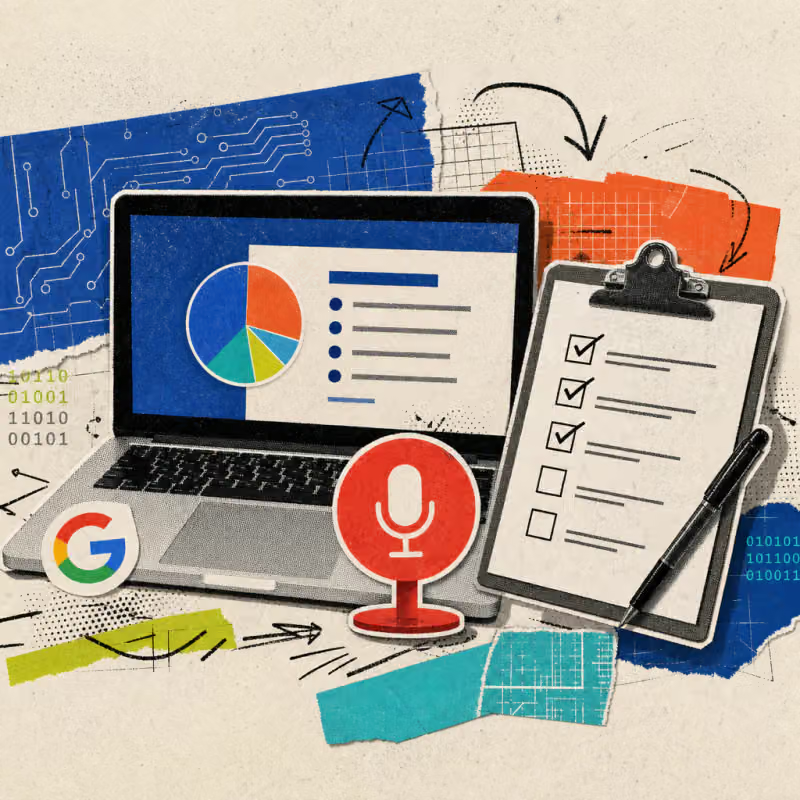
Google is integrating a recording feature directly into Google Slides: With a click on the new recording button, a presentation turns into a finished, narrated video instead of just a collection of slides. Those who previously needed separate software for an explanatory video can skip this step.
The feature has been rolling out since August 20, 2026, and is also available to personal Google accounts.
A new button transforms slides into a video
Until now, a presentation in Google Slides could only be shown as a sequence of images or had to be painstakingly converted into a video using external software. A new recording button in the right sidebar changes that: Users can choose between camera and screen together, only their own voice, or just the slides.
In the background, Google Vids, Google's in-house video tool, takes care of the processing.
So far, AI tools have mainly helped in creating the slides themselves, such as when ChatGPT builds slides directly in PowerPoint or Copilot transforms Word reports into finished PowerPoint slides.
The new Google feature comes into play one step later, at the finished presentation.
Here's how to start the recording:
- Open the presentation and click the recording button in the sidebar.
- Choose the type of recording: camera and screen, audio only, or just the slides.
- Select the camera and microphone and start the recording.
- After stopping, Google Vids opens for post-processing.
- Share the finished video via a link.
Everyday example: An assistant creates an introduction for a new internal form. Instead of explaining to colleagues individually how to fill out the form, she records the existing slide collection once with her own voice and then only sends the link.
Recorded slides save time in daily office life
The advantage is evident wherever information has previously been explained verbally multiple times: during the onboarding of new colleagues, in explanatory videos about internal processes, or in summaries for clients who missed an appointment.
If someone has already prepared a presentation for a meeting, they do not need to present it live; instead, they can record it once and send it to everyone who cannot attend in real time.
Particularly helpful: Google Vids automatically creates a transcript of the recording and highlights filler words and long pauses. With a click, these sections can be cut out without having to re-record the video or edit it in a separate editing program.
For reports, quarterly updates, or training videos, this eliminates a step that often went to external service providers or was left undone due to a lack of time for the appropriate software.
The function can also be used across locations: A video recorded once can be sent via link to colleagues at other locations, who can watch it at their convenience, without needing a shared calendar appointment across multiple time zones.
Access is open to almost all Google accounts
According to Google, the recording feature costs nothing extra and is not tied to a separate contract. It is available to business customers with Google Workspace, individual subscribers of Google Workspace Individual, and, unlike many recent new AI features, also to personal Google accounts, as stated in the official announcement.
The rollout began on August 20, 2026, initially for so-called Rapid Release domains and may take up to 15 days there; organizations with the slower Scheduled Release model will follow starting September 7, 2026. Android Authority also independently confirms the global rollout.
For the recording itself, Google requires the Chrome or Edge browser according to its own help page; any common browser is sufficient for viewing a finished video.
The blog announcement speaks of broad availability for all account types, while the Google help page still refers to "certain business or school accounts" at one point: it remains unverified whether every account will indeed receive the full functionality from the start.
Those who do not yet see the button in the Slides menu are likely to receive it in the coming days.
What will be crucial is how reliably the automatic post-processing actually works: Anyone relying solely on the AI cutting function for an important client presentation should listen to the result again before sending it out.
It also remains to be seen whether recordings containing sensitive client or company data should be shared as freely via an open link as an internal training video; it is worth taking a quick look at one's own privacy policies beforehand.
The next test will be September 7, 2026, when even slower business accounts will receive the feature.