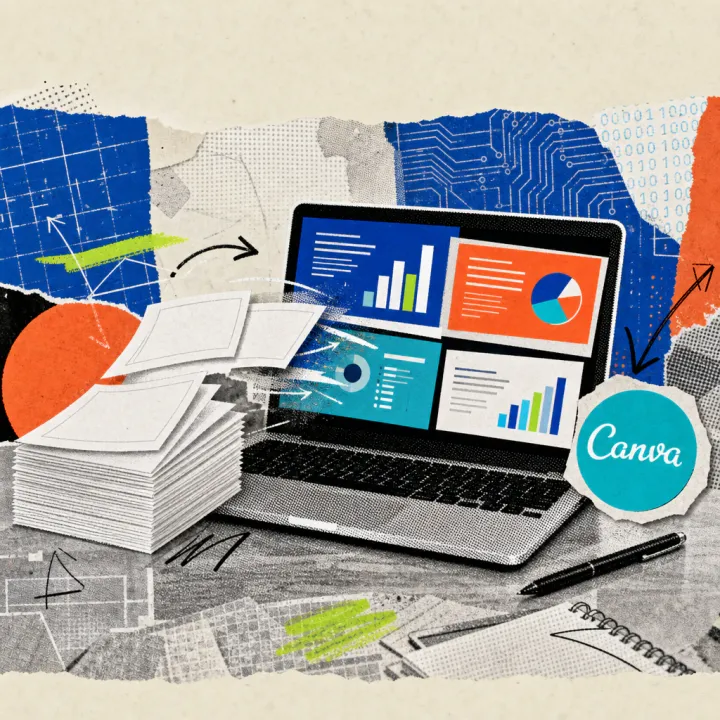
OpenAI has integrated ChatGPT directly into Microsoft PowerPoint. A free add-in displays a ChatGPT sidebar that creates finished slides from bullet points or Word files and revises existing presentations. For corporate customers with a Business or Enterprise license, the previously free trial phase of the feature ends today, August 6, 2026.
ChatGPT gets its own sidebar in PowerPoint
The new add-in is called “ChatGPT for PowerPoint” and runs, as OpenAI describes on its own help page, directly in the open presentation file instead of in a separate window. When users insert bullet points, a Word report, or an Excel table into the sidebar, they receive an initial set of slides, the texts, images, and layout of which can then be further edited manually as usual.
A finished presentation can also be revised: the AI adds individual slides, answers questions about the narrative thread, and points out gaps in the argument before a client meeting. Since early July, the feature has been generally available for business accounts, and individual test users were able to try it out for the first time at the end of May.
A similar path to finished slides is now also offered by Microsoft’s own Copilot in PowerPoint, which automatically transforms Word reports into presentations. ChatGPT for PowerPoint, by contrast, comes from OpenAI and works independently of a Microsoft 365 subscription, as long as a ChatGPT account is available. For other office tasks, ChatGPT now also connects Office files directly with the AI, such as the automatic conversion of PDF invoices into Excel tables.
For recurring tasks, fixed templates can be saved in the sidebar, called Skills. They set layout and wording rules once and then apply them automatically to each new slide.
How a presentation takes shape from bullet points
An example from accounting: a clerk enters the key figures of the monthly closing into a table and inserts them, along with the company template, into the ChatGPT sidebar. Within minutes, an initial set of slides with charts, commentary text, and the usual formatting appears, which she then only has to review and fine-tune. For the next monthly closing, she calls up the same saved template again and skips building the deck from scratch.
Here is how to set up the add-in:
- Open Microsoft PowerPoint and go to the “Home” tab.
- Open the “Add-Ins” section and search for “ChatGPT.”
- Add the add-in and open it from the ribbon.
- Sign in with the existing ChatGPT account (Free, Plus, Pro, Business, or Enterprise).
- Enter bullet points, a file, or a short description and wait for the first slide draft.
Anyone who wants to test the feature first without commitment does not need a corporate account – a free ChatGPT account is enough to get started.
What the feature costs from today
According to OpenAI, the add-in is open to all plans: from free access through Plus and Pro to Business, Enterprise, and the education plans Edu and K-12. The free plan and the low-cost entry plan Go carry a tight monthly usage limit, while Plus, Pro, and Business share a common quota with other AI tasks.
For Business and Enterprise customers, usage has so far been completely free. That trial phase ends today, August 6, 2026, according to OpenAI: from now on, each task consumes credits from the shared corporate account, as is already the case with ChatGPT for Excel and Sheets. According to independent trade media reports, a typical slide task is said to cost between ten and fifty credits – independently unverified, since OpenAI itself does not publish a price list with example calculations.
OpenAI names no restriction by country or language. The add-in can also be installed with a German-language PowerPoint and an account from Germany; official notes on any EU-specific restriction are still missing.
What matters now is whether teams use the saved Skills templates to keep costs in check once the free phase ends, or whether business customers simply use the feature less after the switch. It also remains to be seen how reliably the add-in handles complex charts, company templates, and animations – OpenAI itself explicitly recommends checking the results before sending them to clients. Anyone entering confidential figures or customer data into the sidebar should first clarify with their own IT or data protection department whether a properly configured corporate account is in place.