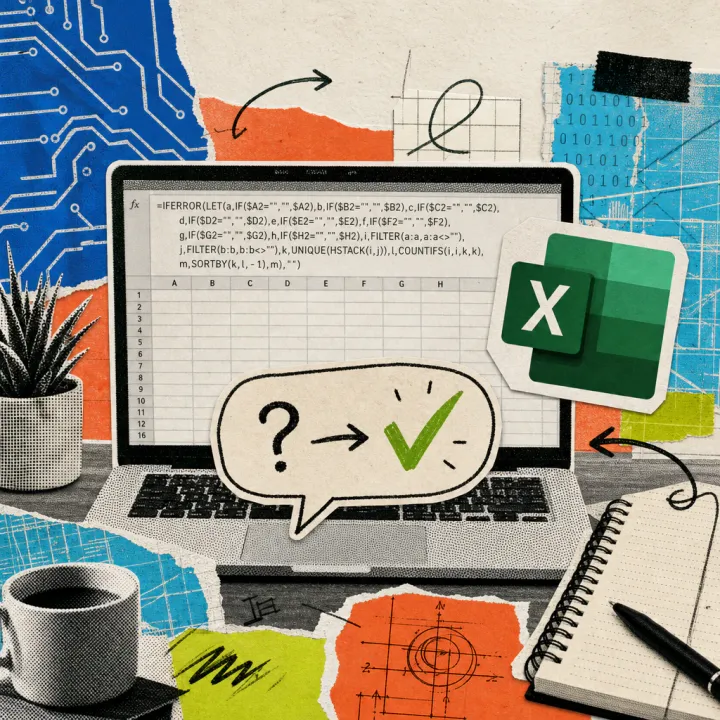
Microsoft has expanded Copilot in Excel with a new shortcut: “@theme-design” transforms a table in seconds with uniform colors, clean charts, and clear structure. A paid Copilot license for Microsoft 365 is required, eliminating manual formatting for many office tasks.
Copilot takes over table design on command
As Microsoft states in the official Excel blog, the shortcut has been a permanent part of Copilot in Excel since the July update and is automatically activated – no separate installation is required. If you type “@theme-design” followed by a command like “Design this sheet” in the Copilot chat window, a revised table is suggested. Copilot reads the structure and content of the table and selects appropriate colors, borders, and contrasts based on recommendations from the in-house design team, as described on the official Microsoft help page.
For companies with a registered brand design, there is a second, similar shortcut: “@brandkit” instead inputs the colors, fonts, and logos stored in the Microsoft 365 brand center into tables, charts, and headings. According to Microsoft, both shortcuts only change the appearance; the actual numbers and formulas remain untouched. Already in June, Copilot in Excel received reusable workflows for tasks such as the monthly closing, and just a few days earlier, it also learned to explain marked formulas in everyday language – the new design shortcuts complement these functions with the appropriate appearance for the finished report.
How a raw data table transforms in everyday office life
An example from practice: A clerk exports a raw data table with customer numbers from the inventory management system to Excel at the end of the month. Until now, she had to manually adjust the font, borders, and colors before the table was sent to management – this often took half an hour. With the new shortcut, a sentence in the Copilot window is enough, and the table receives highlighted key figures, clean borders, and uniformly designed charts in just a few seconds.
Here’s how to find and start the function in Excel:
- Open an Excel file with a valid Copilot license (Windows, Mac, or browser).
- Click the Copilot icon in the top right to open the sidebar.
- Enter @theme-design in the input field and add a command like “Design this sheet.”
- Review the suggestion and request changes if necessary, such as different colors.
- Save the result or send it directly as a report.
The numbers and formulas in the cells remain unchanged during this process, but it should still be checked whether Copilot has correctly captured all areas of the table.
Costs, access, and availability in Germany
The shortcut does not cost extra but is tied to a paid Microsoft 365 Copilot license. According to Microsoft’s price list, this costs at least 15.60 euros per person per month in addition to the existing Microsoft 365 subscription, with larger companies sometimes paying around 26 euros. Without this license, the Copilot assistant does not appear in Excel at all; a free Microsoft account is not sufficient according to the support page. Those unsure whether their company has already booked a license can usually find the answer in the account settings or by consulting the IT department.
According to Microsoft, the function runs worldwide in Excel for Windows, Mac, and in the browser; no restriction to specific countries is documented – it is thus also available to users in Germany and the EU. According to the independent trade publication Computerworld, some additional features like custom workflows are still part of the limited preview, while the design shortcuts are already available for all Copilot users.
It will be crucial how reliably Copilot recognizes different table formats – with very nested or unusually structured tables, the result may still need to be manually refined. It also remains open when Microsoft will offer similar design shortcuts for Word or PowerPoint. Those editing customer or personnel data in tables with Copilot should take a look at the internal guidelines for handling sensitive data beforehand, even if the shortcut itself only changes the appearance.