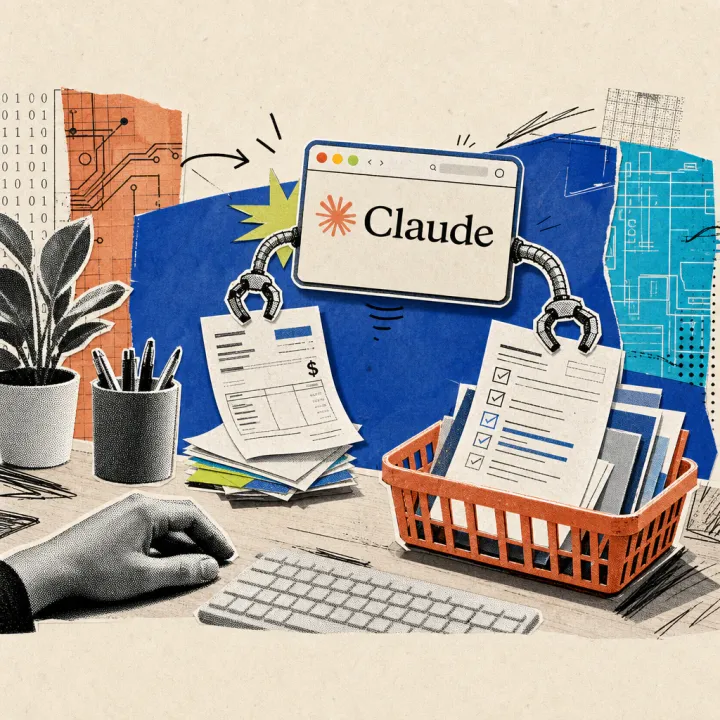
A contract with twelve pages of fine print is in the inbox, and there are ten minutes left before the next appointment. The chatbot Claude reads such PDF documents directly in the chat window and writes a brief summary of the key points, all without separate software. The following workflow shows the path from the uploaded file to the finished overview.
Claude reads an uploaded PDF and writes a summary
Claude processes PDF files directly in the chat, without additional software, according to the Anthropic help page on file upload. In a single chat, PDFs of up to 1000 pages and 500 megabytes per file can be uploaded, according to the help page; for documents used permanently, a project with its own file area is recommended instead.
- Sign in to claude.ai or create a free account
- Open a new chat and select “Add files or photos” via the plus symbol in the bottom left
- Upload a PDF report, contract, or protocol from your own device
- Ask Claude for a summary with key points and open questions
- Check the result against the most important original pages, such as numbers and deadlines
- For recurring documents, create a project with its own file area
The exact name of the menu item may vary slightly depending on the language and account version; however, the plus symbol is located at the bottom of the input field in every version. A specific request yields better results than a general question, such as “Summarize the key numbers, deadlines, and open points from this contract in bullet points.”
The benefit is evident before appointments and with thick binders
Instead of reading a document in its entirety, a glance at the bullet points is sufficient afterward. For case management, assistance, or legal departments, this saves time with contracts, protocols, or tender documents that rarely need to be read from front to back. Even before a client meeting, a multi-page offer can be condensed into the crucial numbers and conditions in seconds, rather than flipping through it completely just beforehand. Similarly, Claude already takes over routine tasks in the voice mode with Gmail and Calendar that would otherwise cost clicks. For PDF invoices needed as a table, the separate workflow with ChatGPT is more suitable, as the table structure is the focus there.
Free account is sufficient for testing, access runs via browser and app
A free Claude account is sufficient for individual summaries, according to the Anthropic pricing page; access runs via the browser at claude.ai as well as through apps for desktop, iOS, and Android. Those who regularly need larger documents or more chats can switch to the subscription Claude Pro, which costs $17 per month in an annual subscription or $20 with monthly payment, according to Anthropic; the exact euro amount for Germany will only appear at checkout.
For company or customer data in the uploaded documents, it is worth taking a look at the privacy settings in advance: Free and Pro accounts use new chats for model training by default, according to Anthropic since September 28, 2025, and an opt-out can be set at any time. Those who agree have their chats stored by Anthropic for up to five years, according to their own statements. This standard does not apply to teams with their own data protection agreement, according to Anthropic.
With very long sequences of numbers, unclear scans, or handwritten notes, Claude remains less accurate than with smoothly set text. Therefore, amounts, deadlines, and names from the summary should always be checked against the original before further processing – a finished summary does not replace careful final checks.