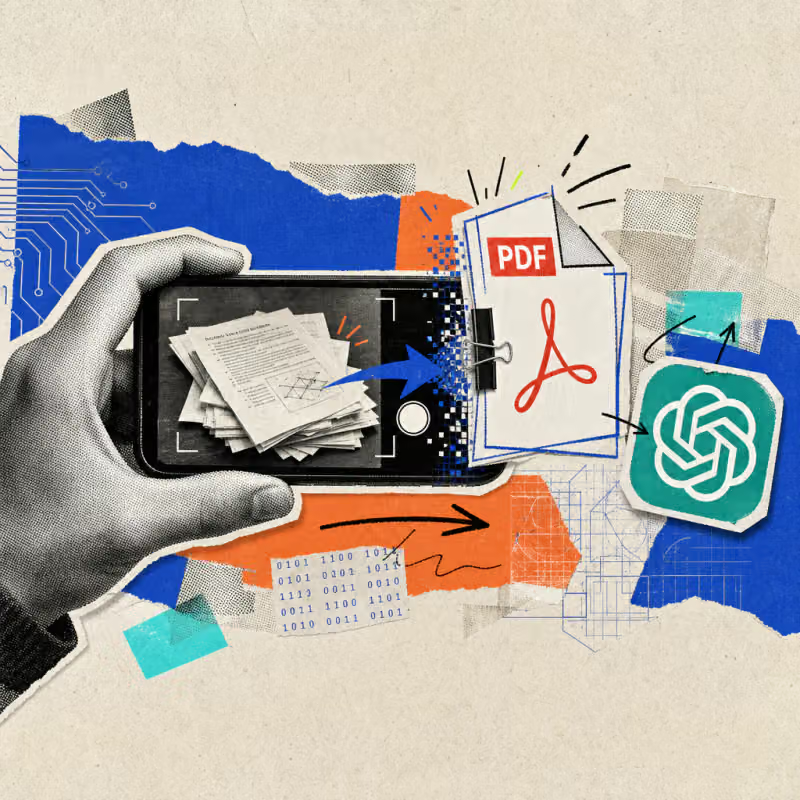
ChatGPT can now capture multiple pages of paper in succession with the phone's camera and independently build a single, cohesive PDF from them. Those who previously photographed each page individually and sorted the images by hand can skip this step entirely.
The new feature has been available for free since October 1, 2026, but initially only on iPhones.
ChatGPT combines photographed pages directly into a PDF
Until now, users of the ChatGPT app had to photograph each paper page individually and then manually upload the images in the correct order. Since October 1, 2026, a new scan mode takes over this task, as OpenAI states in its official release notes.
Anyone who taps the camera icon in the app now finds the entry "Scan" in the three-dot menu. From that moment on, the app automatically adds each newly captured page to the previous one and independently detects where a sheet ends.
At the end of the capture, ChatGPT combines all pages into a single, finished PDF file that can be uploaded directly into the ongoing conversation. This removes the need for a detour through the Photos app, a separate scanner app, or a PDF-merging tool.
The page order follows the capture sequence; if someone makes a mistake or photographs a page twice, individual captures can still be removed before the file is finalized.
Scanning saves time on everyday receipts and contracts
The biggest benefit shows up with paperwork that piles up daily. An accounting clerk processing ten fuel receipts and entertainment expenses from a field sales employee can now photograph them one after another with the scan mode and end up with a single PDF – ready to forward to the finance department or upload to ChatGPT, for example for a summary or a quick check of the amounts.
Until now, that would have required either a separate scanner app or the tedious work of merging individual photos by hand.
Multi-page contracts, delivery notes, or handwritten meeting notes benefit in the same way: all pages end up in one document that can be archived, forwarded by email, or evaluated directly – for instance with the related feature for summarizing PDFs faster in ChatGPT, Copilot, Gemini, and Claude.
Anyone who regularly prepares receipts for accounting can also turn the scanned invoices into an Excel spreadsheet, as described in an earlier post.
The scan mode is currently available only on the iPhone
The new feature is free and available to every ChatGPT account, from the free tier up through the paid Plus, Business, and Enterprise plans. The catch: according to its own release notes, OpenAI is initially rolling the scan mode out only for the iPhone app, and the company has not yet announced a version for Android phones.
Anyone using an Android device must therefore keep uploading individual photos by hand or rely on a separate scanning app for now.
Here is how to find and start the feature on the iPhone:
- Open the ChatGPT app and pick a new or existing chat.
- Open the built-in camera via the camera icon.
- Tap "Scan" in the three-dot menu.
- Photograph each page one after another until every sheet is captured.
- Finish the capture – ChatGPT automatically combines the pages into a PDF and drops it into the chat.
Whether and when the feature will also work on desktop or the web has not been announced by OpenAI.
The key question is whether OpenAI will quickly bring the feature to Android too, since a large share of office smartphones worldwide run on Android. It also remains to be seen how reliably the automatic page detection works in poor lighting or with slightly crooked shots – a practical test with real receipts is worth doing before relying on it for daily use.
Anyone photographing customer or company data should check their own data protection rules beforehand and, when in doubt, use a paid business account, where content is not used for training according to OpenAI.