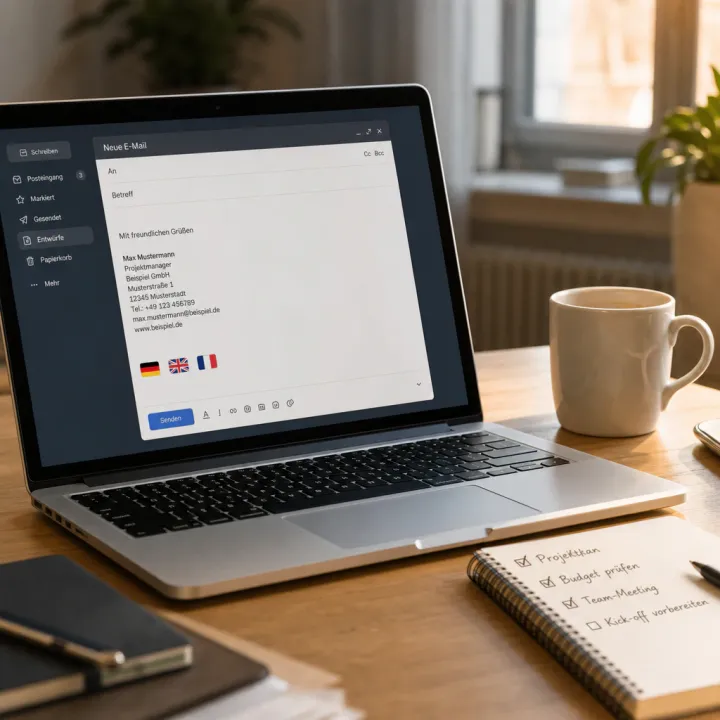
Whoever formulates business letters, offers, or customer emails themselves often discovers typos and clumsy sentences only upon a second reading. DeepL Write, the writing assistant from the Cologne translation provider DeepL, automatically checks texts for spelling, grammar, and style, and suggests more appropriate formulations. This guide shows step by step how to use it in everyday work.
DeepL Write checks texts in a few steps
DeepL Write opens without installation in the browser at write.deepl.com, alternatively as an extension for Chrome, Firefox, or Edge, as well as a desktop app for Windows and macOS. Those who prefer to work directly in Outlook or Word can use the matching add-in. The following process works the same across all variants:
- Insert text into DeepL Write or open the Word/Outlook add-in.
- Select language and writing style, such as “business” or “simple.”
- Review suggested corrections for spelling and grammar.
- Choose the appropriate tone, such as friendly, diplomatic, or confident.
- Check and adopt alternative formulations for individual sentences.
- Insert the revised text back into the email program or document.
- Switch to the data-secure Pro version for customer or contract data.
Office work saves time and looks more consistent to the outside
Those who regularly send offers, reminders, or minutes no longer have to secure their formulations alone. DeepL Write flags typos and clumsy sentences before a message leaves the building and suggests a uniform, professional tone. This is especially helpful when several colleagues write under the same name and a consistent style is expected.
Those unsure about spelling, or who write in German as a foreign language in everyday office life, also benefit from the correction suggestions – without every email needing to be proofread by a colleague first.
The free version covers short texts, the Pro package lifts the limit
Without an account, DeepL Write processes texts of up to 1,500 characters per run for free, according to the provider – enough for most emails. DeepL Write Pro reportedly removes the character limit and is booked together with a DeepL Pro package; the exact monthly price depends on the chosen combination and can be checked on DeepL’s pricing page. The tool currently supports six languages according to DeepL, including German, English, French, Spanish, Italian, and Portuguese – more are said to follow.
DeepL is headquartered in Cologne and states that it neither permanently stores texts nor uses them to train its own models; transmission is said to run TLS-encrypted through ISO-27001-certified data centers. For customer or contract data, it is still worth checking the current privacy notices before inserting sensitive content. Those who need to translate foreign-language business emails rather than just correct them can find a comparison of DeepL, ChatGPT, and Google Translate with prices and a data-protection assessment.
DeepL Write does not replace content or legal review: numbers, deadlines, and contract clauses remain the user’s own responsibility, and the suggested formulations do not always capture company-specific terminology. Those who use industry-specific vocabulary should therefore always proofread suggestions rather than adopting them blindly.